What is JARVIS?
Organise tasks. Track progress across departments.
In JARVIS, you assign tasks, link documents, manage approvals and keep track of handovers between departments. People and external AI agents can work on the same processes.
Manage the process in JARVIS and use data from your business software in the tasks where it’s needed.
See how people and agents work together →How it works
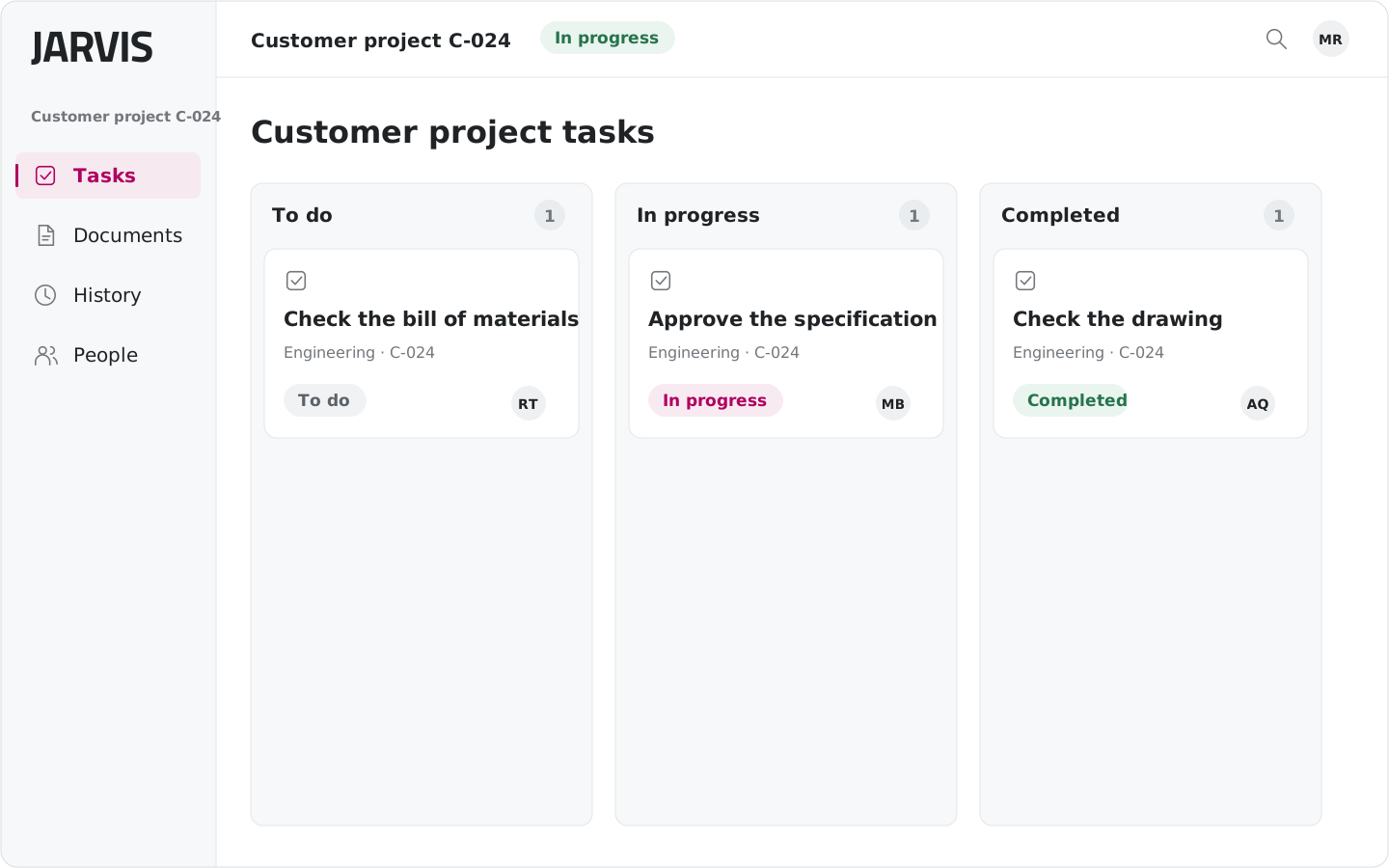
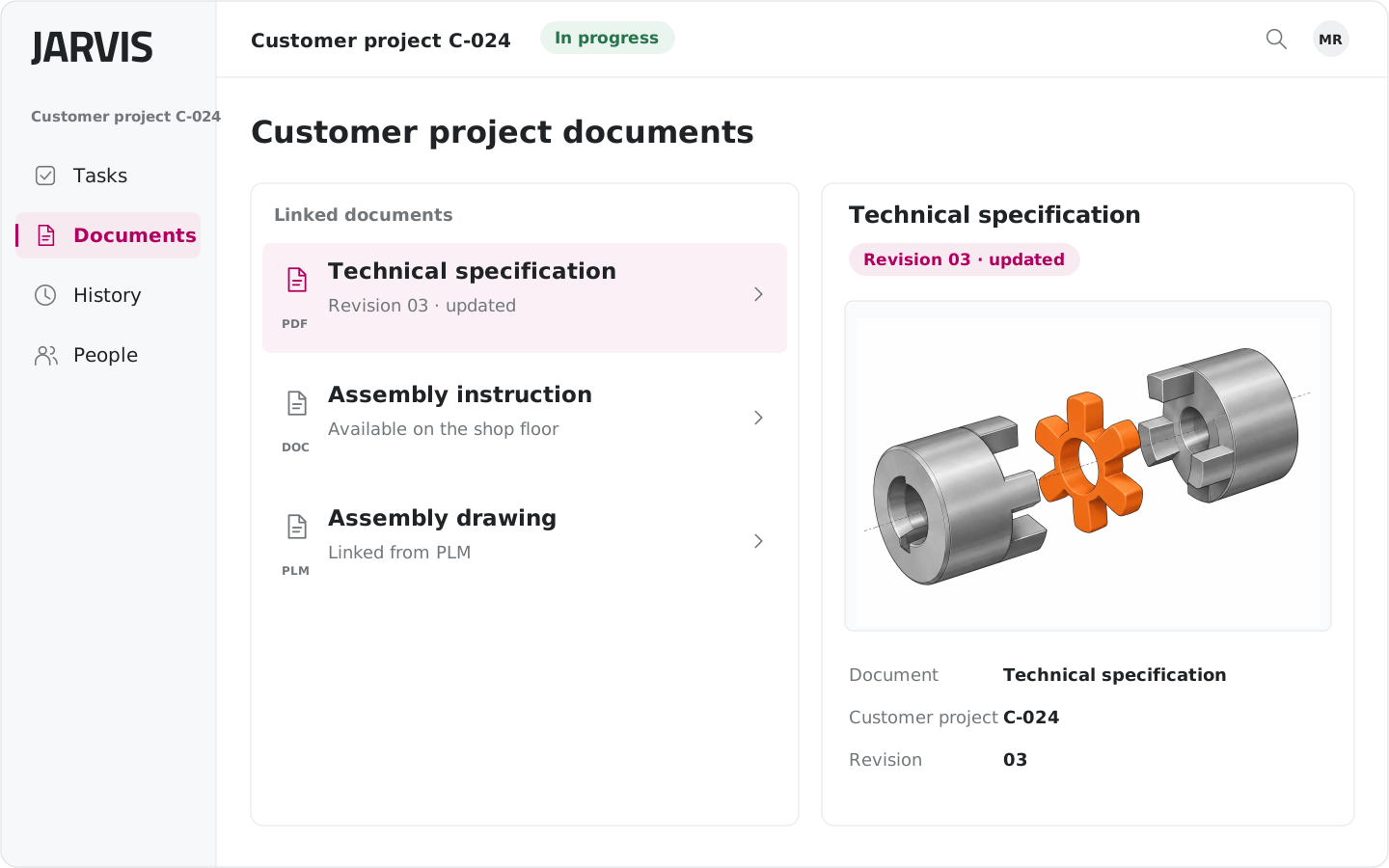
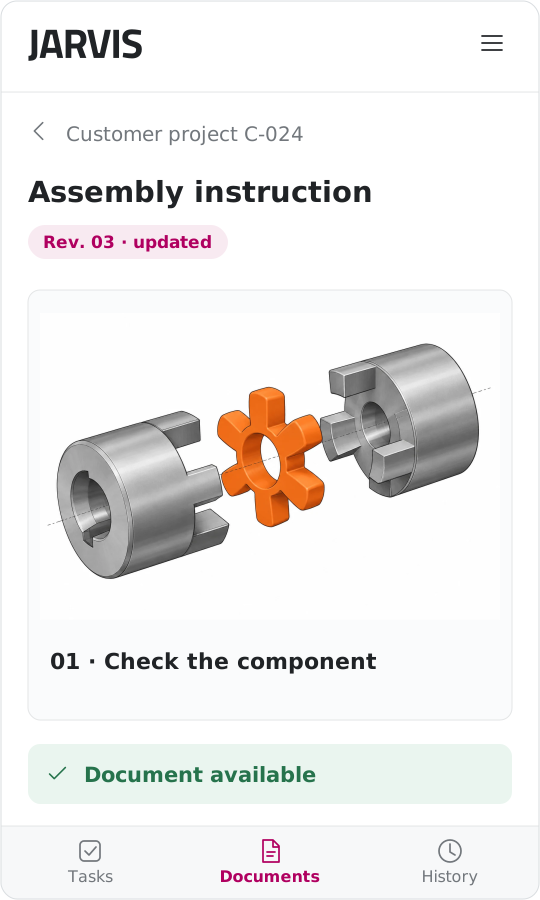
Each task brings together the information you need.
Track progress, read documents and review past decisions in the activity history.
 Open full-size image (new tab)
 Open full-size image (new tab)
 Open full-size image (new tab)
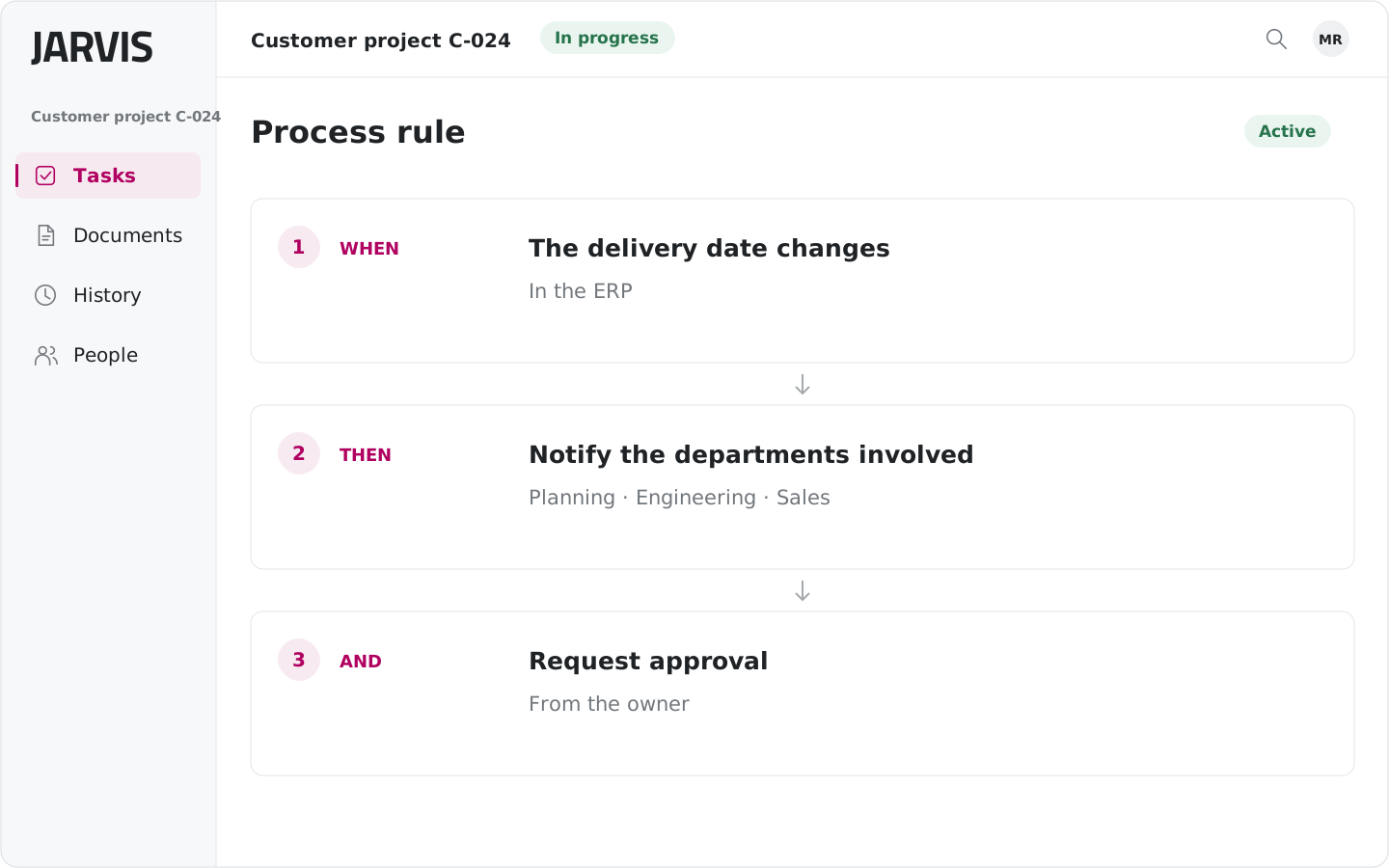 Open full-size image (new tab)
The delivery date changes
In the ERP
Notify the departments involved
Planning · Engineering · Sales
Request approval
From the owner
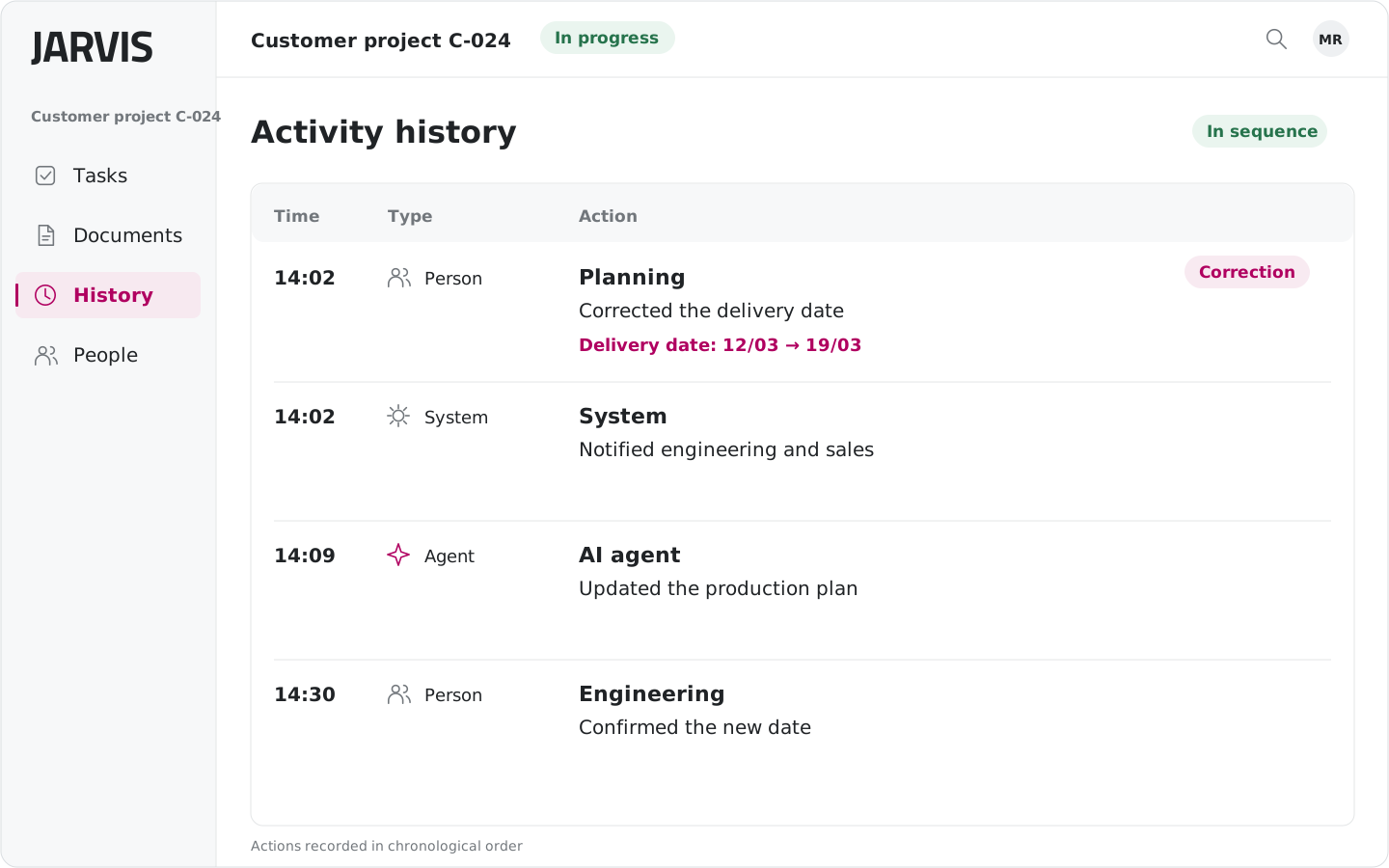 Open full-size image (new tab)
Planning · Corrected the delivery date
Delivery date 12/03 19/03 Correction
System · Notified engineering and sales
AI agent · Updated the production plan
Engineering · Confirmed the new date
A real example · Piva Group
A date changes. Departments get the update.
At Piva Group, JARVIS checks for differences against the ERP and notifies departments when a delivery date changes. Each department can then adjust its work.
Read the Piva Group story →- 01An order’s delivery date changes in the ERP.
- 02JARVIS detects the difference and notifies the departments involved.
- 03Planning, engineering and sales can adjust their tasks.
Activity history
Follow a task step by step.
The activity history shows recorded actions, when they happened and who carried them out: a person, an AI agent or the system.
Use the activity history to review a decision, check a revision or gather information for an audit.
- Review recorded steps
- Distinguish actions by people, agents and the system
- Find information about changes
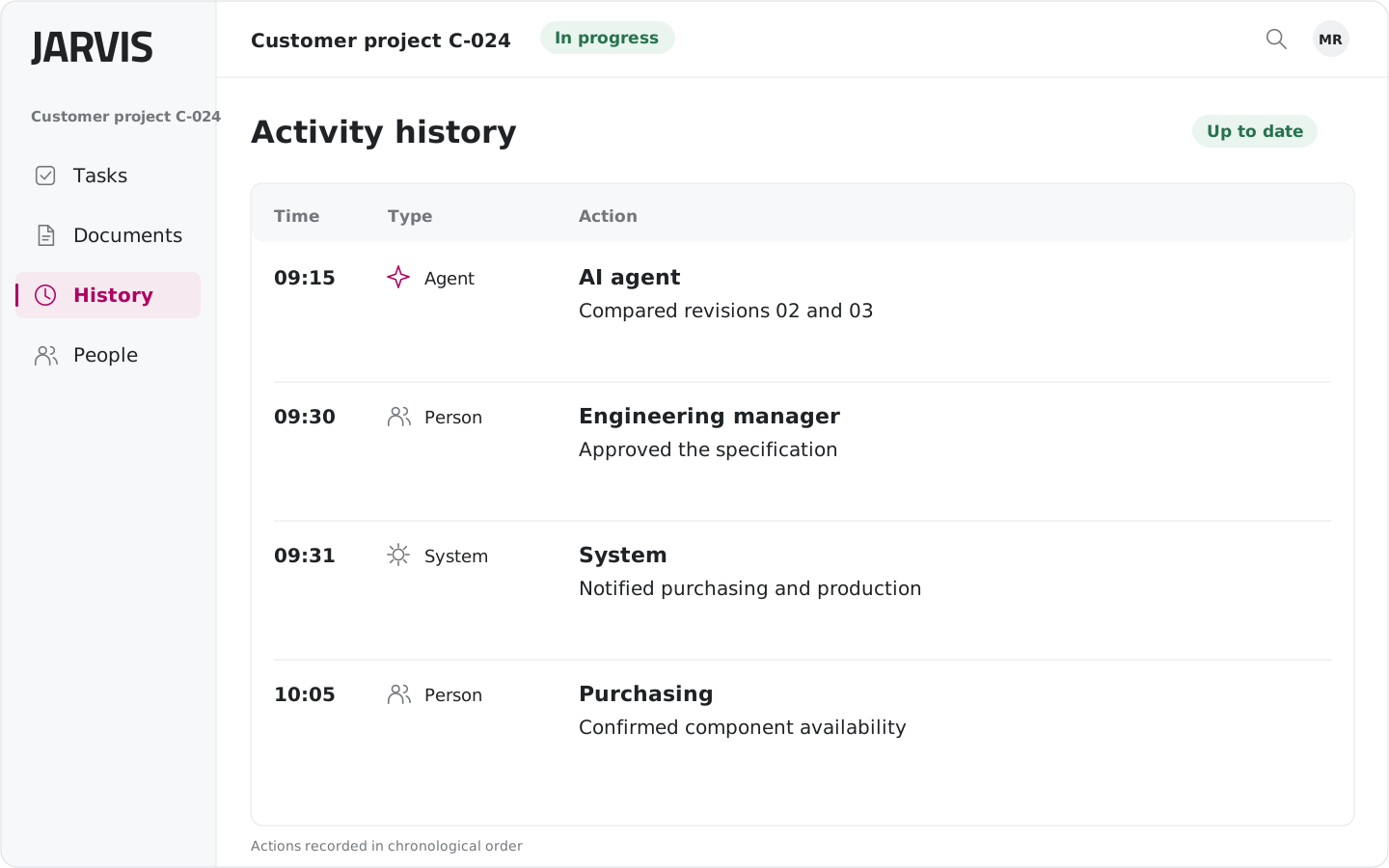 Open full-size image (new tab)
Getting started
Your first process, built together.
We help you choose and configure your first process, then train you to use JARVIS. After launch, we continue to support you as you learn to manage day-to-day work.
- 01
We choose where to start, together.
We look at how you work today and choose a process to improve, identifying the people and systems involved.
- 02
We configure the process.
We set up tasks, process steps and connections to existing systems around your company’s needs.
- 03
You learn to use it in your daily work.
Practical training helps you and your colleagues use JARVIS in everyday tasks.
- 04
We support you beyond launch.
We answer your questions and help you develop your processes further.
The aim is to give you the tools to manage them yourself over time.
The next step